3.1 - System Setup
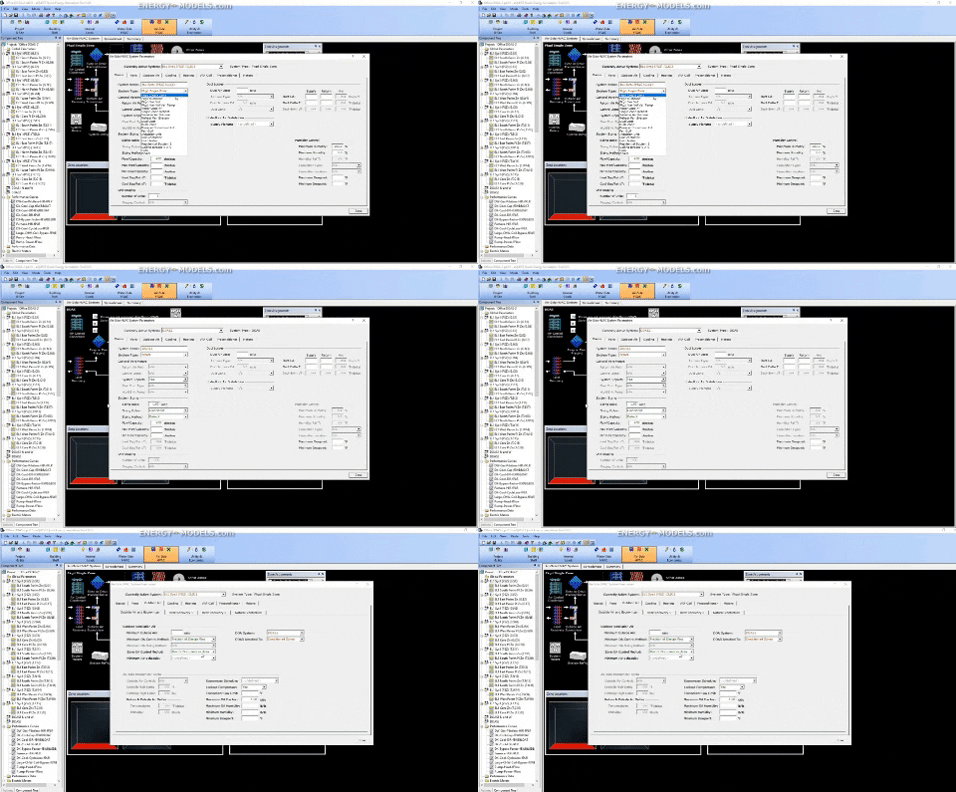
Subscriber Video Lesson
This page is paired with a full video lesson inside the subscription. Subscribers can watch the complete eQUEST walkthrough, including the on-screen setup, settings, and modeling workflow.
Script Preview
3A System Setup
Lesson summary: This transcript covers practical eQUEST, Dedicated Outdoor Air Systems, Temperature Controls workflows for eQUEST energy modeling. The transcript has been organized with SEO-friendly headings and readable paragraph breaks so it can be posted with the corresponding training video.
Topics Covered in This Video
- eQUEST
- Dedicated Outdoor Air Systems
- Temperature Controls
- Practical energy modeling setup, review, and troubleshooting considerations
Introduction and Lesson Overview
Now that we've shown you how to set up a dedicated outdoor air system we need to cover the controls as there are many and these are all new to eQUEST in this version. The first thing is we mentioned that we can add this to any system in the wizard and that's true for the wizard for the detailed view it can be added to any system type except for the floor panel system and if we look at the systems in the detailed mode we can browse through these systems and we're never going to see the ability to select the floor panel system directly from the basic screen. This is because the floor panel system is a heating only system and in fact I think I read somewhere that it's not operable in version 7175 yet and it may not be so it's available to any of the existing system types in the detailed mode as well.
If we go back to the DOAS unit there's a number of other things that need to be discussed. One of these is that we can model demand control ventilation in the dedicated outside air system. One would think that you'd model this directly in the DOAS unit but that is not the case. The dedicated outside air will depend on the system that that is calling to the DOAS unit.
It will also depend on how the unit is controlled whether it's going to condition zones or to the the mixed air. The ventilation will be defined as a result therefore at the system as well as definitions at the spaces and the zones because the outside air is defined by the occupancy schedule in some cases as well as the ventilation schedule in the zone and it can be implemented by a combination of both things or by implementing directly at the outside air on the system. For most purposes we simply select the minimum outside air control method and we would select the DCV at the return sensor or possibly the DCV at the zone sensors. It will work in either case if the air is set to the mixed air.
If the dedicated outside air is being supplied to condition zones when we select them at the system then we have to select the DCV zone sensors. As we mentioned briefly earlier the only source of outside air on a system with DOAS is the dedicated outside air system and the infiltration. Therefore we cannot add an economizer but we can add of course the outdoor outside air through the dedicated outdoor air unit as well as the infiltration which is entered at the space level. That takes us back to the main controls that we have to enter at the dedicated outside air system.
One of the first things that you may think to define under the DOAS unit is the fan schedule. If the fan schedule is not defined the fan operates whenever one or more of the attached systems has a fan schedule that has a value of one. So if it's assigned to three systems and one of those systems is operating the fans will be running and it will be running according to the fan part load curve whether that's linear or through variable speed or what have you. This will run based off of the schedules of the systems connected to it.
DOAS Controls and Operating Logic
You can also add a schedule to this if the schedule for the DOAS unit is different than the general system. Setting the DOAS schedule to off while the primary system is operating is easier to understand than the opposite scenario when the dedicated outside air fan is on and the primary system is off. For example if this schedule is set to less hours than the system that it's attached to that means that the dedicated outside air system will not run for some of the hours that the recirculating system runs. On the flip side one can also schedule the fan to operate more hours or for a longer period of hours than than the attached system.
So in this case then system one we can set this fan schedule to be beyond that. The main point to understand is that if the fans are on here at the DOAS system and they are off at the package single zone system in this case and the air is specified to conditioned zones then the DOAS unit can provide outside air directly to those zones without relying on the system fans to operate. So we can provide conditioned air to a space while the regular system is off if this schedule is set to one for other hours. For example if we have a fan that's on 24-7 for the DOAS unit and it's sent to system one with the control setting set to mixed air then the outdoor air will be provided to the spaces any hour that this package single zone system is running.
If the package single zone fans are not running then the outdoor air cannot be delivered to the to the zones. If it's set to conditioned zones as we have here we can take the DOAS unit schedule it on 24-7 and the conditioned zones on this system would receive outside air conditioned 24-7 regardless of whether or not there was a call for heating or cooling to this system. If you have any confusion about whether or not a space is receiving outside air it's probably best to run an hourly report which we'll discuss later. From here we can just follow along natural progress let's look at the heating.
We can select any of the existing heat sources for the dedicated outside air unit including a condensing unit. We can only select the condensing unit as a heating source for PVVT systems and DOAS units so that's something new here we haven't covered using condensing units yet so we're not going to set this up. However I wanted to point out that that we can actually add a condensing unit as the heat source. For cooling sources we have the standard options for cooling just like any other system but one additional note to add to that if we had set the heating coil to condensing unit first the a cool source would automatically set to a condensing unit without our input and that's why we explained heating first.
In general most people are going to be running DX units or chilled water units but it's good to know that that ability is there as it's common enough.
Practical Takeaway for Energy Modelers
This lesson provides practical guidance for modelers working with eQUEST, Dedicated Outdoor Air Systems, Temperature Controls. Use this organized transcript as a reference while watching the video and applying the workflow inside eQUEST.